 Alva Code
Connect AI
Connect an API key
Add and test a provider connection in Settings.
Step by step
- Open Settings → API Keys.
- Paste the provider’s API key into the matching provider field and save it using the available action.
- Use “Test” where offered and read the result. A saved key may still be invalid or lack access to the requested model.
- Choose a model from the connected API provider in the chat panel.
- If the request is rejected, check the provider’s error, account access, and usage settings.
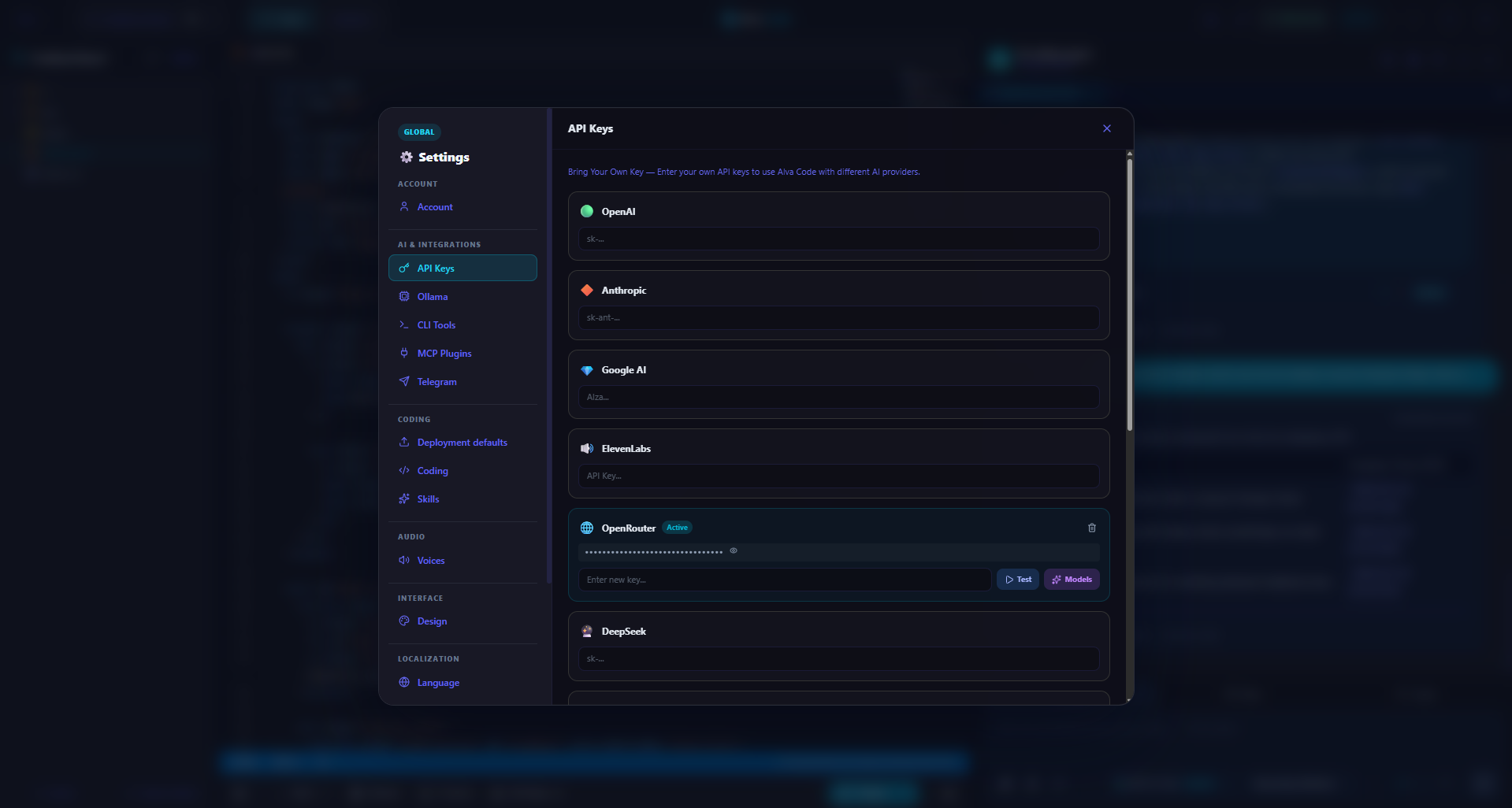
Example screenshot · English interface