 Alva Code
First steps
Make the workspace comfortable
Choose your theme and adjust the interface.
Step by step
- Choose a light or dark appearance during setup.
- To change it later, open Settings → Design.
- Use Settings → Language to change the app language. Help is available in English and German; other interface languages use English help.
- Screenshots in these guides show an English interface and may use a different theme from yours.
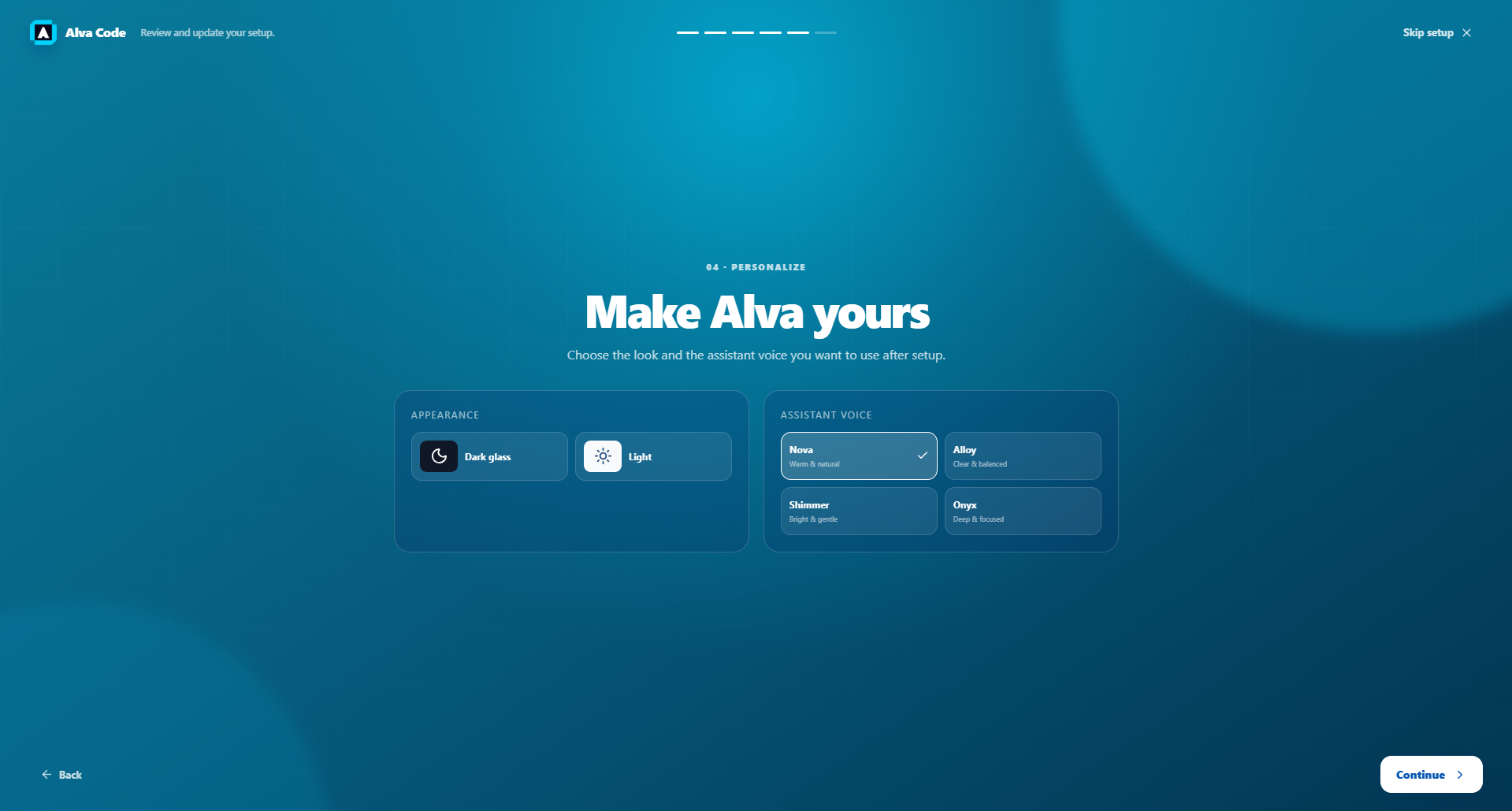
Example screenshot · English interface